Featured Calendar
October 2026 Monthly Calendar

Download Options
This October 2026 calendar is available in multiple formats for your convenience. Choose the format that works best for your needs.
Calendar Features
- US holidays included
- Print-ready (8.5" x 11")
- Landscape orientation
- Notes section included
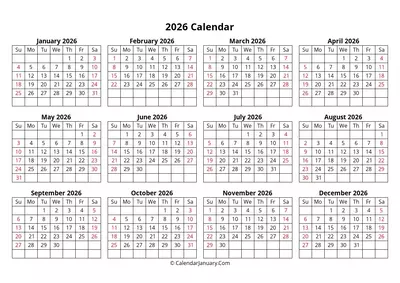
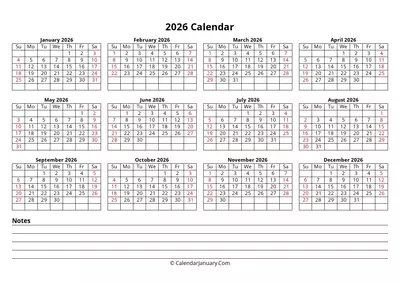
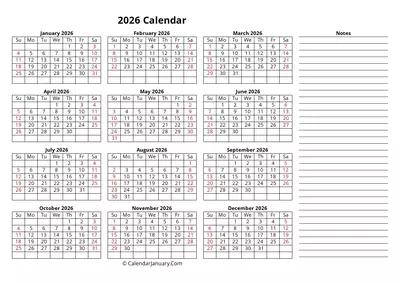
Yearly Calendars
Complete year-at-a-glance calendars for 2026
Monthly Calendars
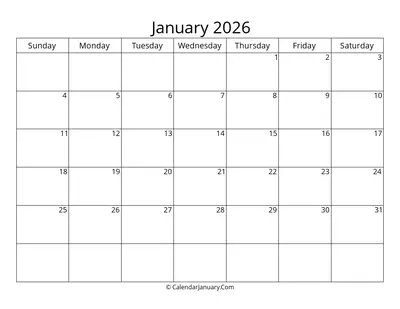
Detailed monthly calendars for 2026
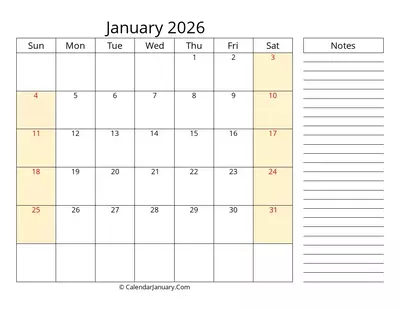
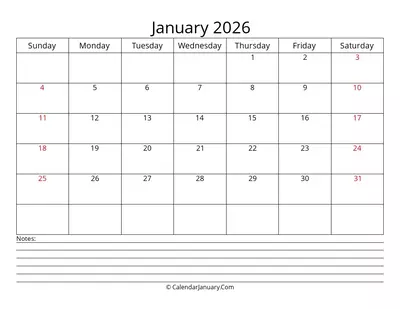
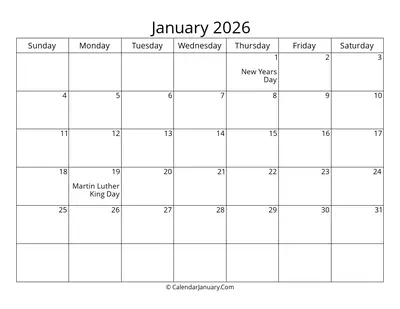
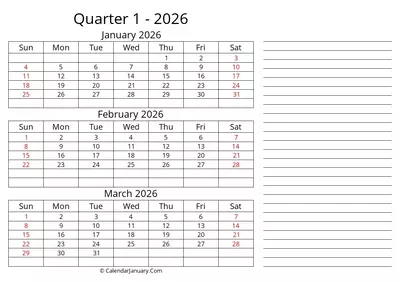
Multi-Month Calendars
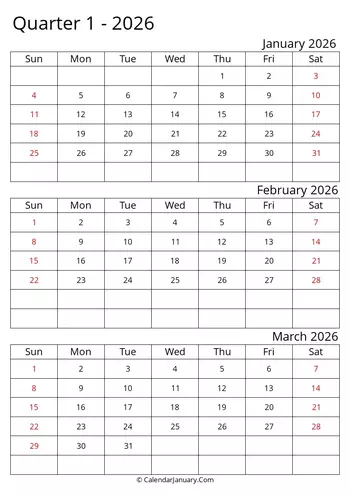
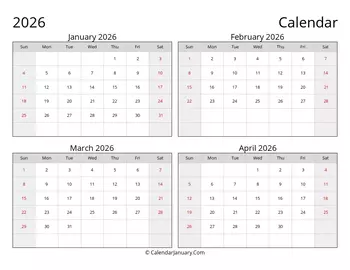
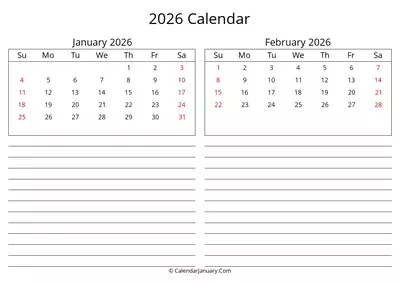
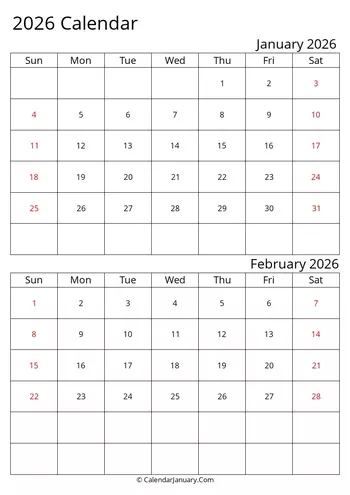
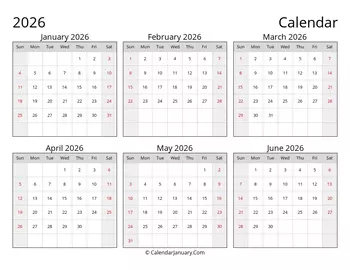
Calendars spanning multiple months for better planning
Frequently Asked Questions
Find answers to the most common questions about our 2026 printable calendars.
General Questions
Yes! All our basic calendar templates are completely free to download, print, and use. We offer premium versions with additional features for a small fee, but our standard calendars are free without watermarks or usage restrictions.
We believe everyone should have access to high-quality planning tools, which is why we maintain a large collection of free calendars in multiple formats.
Our calendars include all major US federal holidays by default. These include:
- New Year's Day
- Martin Luther King Jr. Day
- Presidents' Day
- Memorial Day
- Independence Day
- Labor Day
- Columbus Day / Indigenous Peoples' Day
- Veterans Day
- Thanksgiving Day
- Christmas Day
We also offer versions with international holidays, religious observances, and fun national days. You can choose which holidays to include when downloading from our calendar builder.
Yes, we offer calendars for the current year (2026) and the upcoming year (2027). We update our calendars annually to ensure all dates and holidays are accurate.
We typically release calendars for the upcoming year in September of the current year. For example, our 2026 calendars will be available in September 2026.
You can also create calendars for specific date ranges using our calendar builder tool.
We update our calendars regularly to ensure accuracy and to add new designs and features. Major updates include:
- Annual updates with new yearly calendars (released in September)
- Quarterly updates to add seasonal designs
- Monthly updates to fix any issues and add new features
Our last major update was on September 14, 2025, when we released our complete 2026 calendar collection.
Download Questions
Downloading our calendars is simple:
- Browse our collection and select the calendar you want
- Click on the format you prefer (PDF, Word, or Excel)
- The file will either download automatically or open in a new tab where you can save it
For free calendars, no login or email is required. For premium calendars, you'll need to create an account or make a purchase before downloading.
No, there is no limit to how many free calendars you can download. You can download as many different designs and formats as you need.
For premium calendars, download limits may apply based on your subscription plan. Please check your account details for specific information.
For free calendars, no account is required. You can browse and download without signing up.
However, creating a free account offers several benefits:
- Save your favorite calendars for quick access
- Keep track of your download history
- Receive notifications about new calendars and updates
- Access to our Calendar Builder with saved templates
For premium calendars and features, an account is required to manage your purchases and subscriptions.
Customization Questions
Absolutely! Our calendars can be customized in several ways:
- Word and Excel versions are fully editable, allowing you to add your own events, change colors, and adjust layouts
- PDF versions can be used with PDF annotation tools or printed and written on by hand
- Calendar Builder tool lets you create a completely personalized calendar with exactly the features, holidays, and layout you want
For advanced customization, our premium templates offer more design options and editable elements.
Our Calendar Builder tool allows you to create custom calendars in a few simple steps:
- Go to the Calendar Builder page
- Select your preferred layout (monthly, weekly, yearly, etc.)
- Choose your date range
- Select which holidays to include
- Customize colors, fonts, and other design elements
- Add your own events or notes
- Preview your calendar
- Download in your preferred format
The basic Calendar Builder is free to use, while the premium version offers additional customization options and templates.
Yes, you can add your own events and holidays to our calendars in several ways:
- Word versions: Simply click on the day and type your event
- Excel versions: Edit the cell for the specific day to add your event
- PDF versions: Use PDF annotation tools or print and write by hand
- Calendar Builder: Add custom events during the creation process
For recurring events, the Excel versions are particularly useful as you can use formulas to automatically populate multiple dates.
Printing Questions
Our calendars are designed for standard letter size paper (8.5" x 11" or A4). This is the most common paper size and works well with most home and office printers.
For specific calendar types, we recommend:
- Monthly calendars: Letter/A4 (8.5" x 11")
- Weekly planners: Letter/A4 (8.5" x 11")
- Yearly calendars: Letter/A4 (8.5" x 11") or Tabloid/A3 (11" x 17") for better readability
- Daily planners: Letter/A4 (8.5" x 11")
All our PDF files are set up with the correct dimensions and margins for standard printing.
For best printing results, we recommend the following settings:
- Print quality: High or Best quality
- Paper type: Standard or Premium plain paper
- Color settings: Color (for colored calendars) or Grayscale/Black & White (for ink savings)
- Scaling: "Fit to page" or "100%" (avoid "Shrink to fit" as it may make text too small)
- Orientation: Match the orientation of the calendar (portrait or landscape)
- Margins: Default or Narrow
- Double-sided printing: Off for single-page calendars, On for multi-page planners
Always print a test page first to ensure everything looks correct before printing multiple pages.
The type of paper you use depends on how you plan to use your calendar:
- Standard copy paper (20 lb / 75 gsm): Good for basic calendars that won't be handled frequently
- Premium paper (24-32 lb / 90-120 gsm): Better for calendars you'll write on or handle regularly
- Cardstock (65-110 lb / 176-300 gsm): Excellent for wall calendars or desk calendars that need to be durable
- Photo paper: Great for photo calendars or decorative calendars where image quality is important
For planners and calendars you'll use daily, we recommend at least 24 lb (90 gsm) paper to prevent ink bleed-through when writing.
You can also take the PDF to a print shop for professional printing on specialty paper or cardstock.
File Format Questions
Our calendars are available in multiple formats to suit your needs:
- PDF: Ready to print, no editing required. Perfect for immediate use.
- Word (.docx): Fully editable in Microsoft Word or compatible programs. Add your events and customize.
- Excel (.xlsx): Spreadsheet calendars with formulas for advanced planning and data tracking.
- PNG: High-resolution images perfect for digital use and sharing online.
- Google Calendar: Import options for digital planning in Google Calendar.
Each format is available in both portrait and landscape orientations, and in various styles including minimalist, professional, and decorative themes.
Each format has its own advantages:
PDF Format:
- Ready to print with consistent formatting
- Works on any device without special software
- Maintains exact layout and design
- Limited editing capabilities (annotations only)
- Best for: Quick printing without changes
Word Format:
- Fully editable text, colors, and layout
- Easy to add your own events and notes
- Requires Microsoft Word or compatible software
- May have slight formatting differences between devices
- Best for: Adding events and customizing appearance
Excel Format:
- Spreadsheet-based with formula capabilities
- Can create automatic calculations (e.g., counting days, tracking habits)
- Most flexible for data tracking and analysis
- Requires Microsoft Excel or compatible software
- Best for: Data tracking, habit monitoring, or complex planning
The software you need depends on the file format:
PDF Files:
- Adobe Acrobat Reader (free)
- Most web browsers (Chrome, Firefox, Edge, Safari)
- Preview (Mac)
- Many mobile PDF reader apps
Word Files (.docx):
- Microsoft Word (paid)
- Google Docs (free)
- LibreOffice Writer (free)
- Apple Pages (free for Mac users)
- WPS Office (free with ads)
Excel Files (.xlsx):
- Microsoft Excel (paid)
- Google Sheets (free)
- LibreOffice Calc (free)
- Apple Numbers (free for Mac users)
- WPS Office (free with ads)
PNG Files:
- Any image viewer or web browser
- Photo editing software for modifications
Still have questions?
If you couldn't find the answer you were looking for, our support team is here to help.
Contact SupportNeed a Custom Calendar?
Use our Calendar Builder to create a fully customized calendar with your preferred layout, notes sections, and holidays.